09:41:00

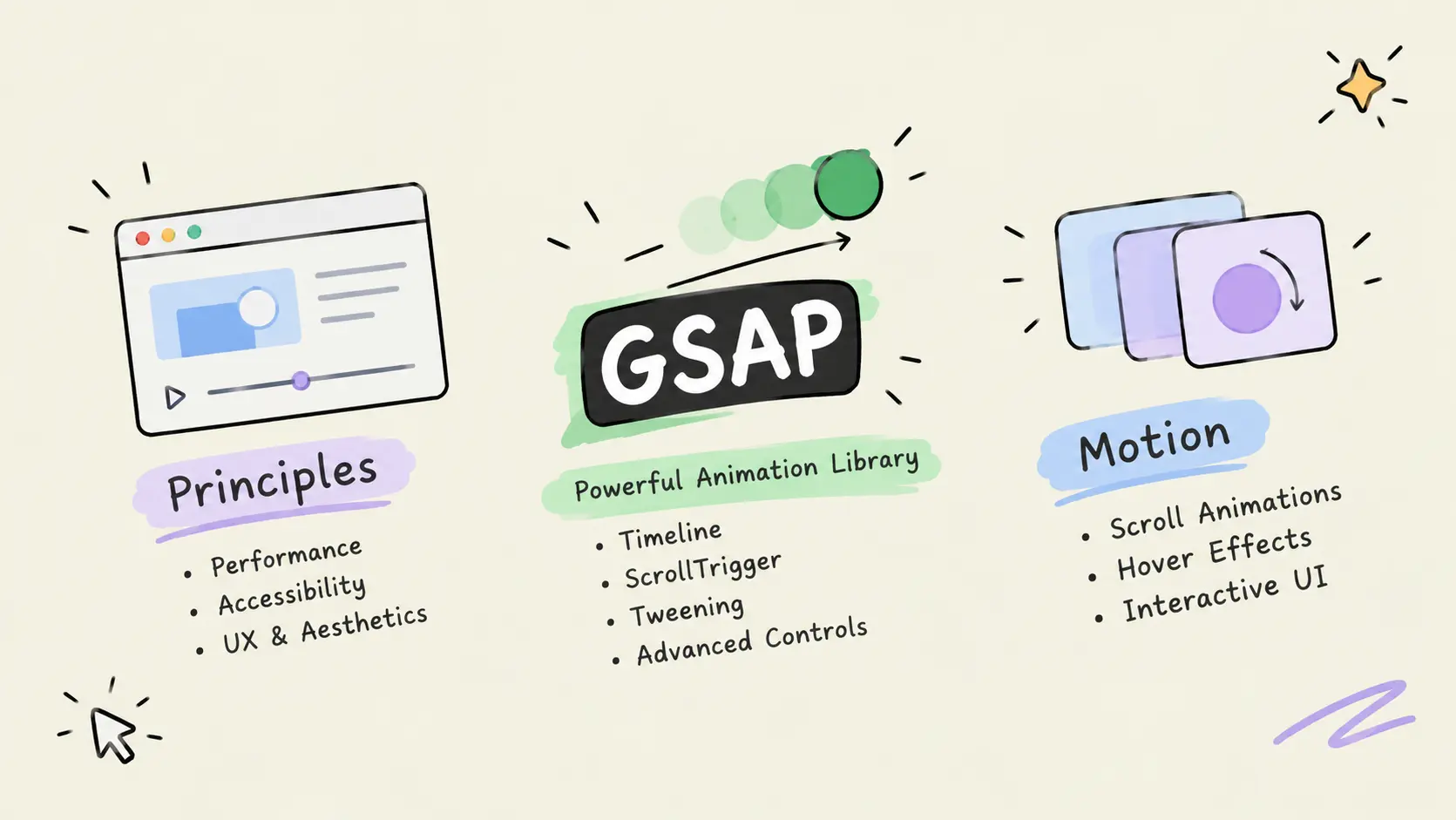
Web Animation in Practice: Principles, GSAP, and Motion

How to think about animation on the web, what GSAP and the Motion library each do best, and how to choose between them without sacrificing performance or accessibility.

Published
Reading time
9 min read
  • animation
  • gsap
  • motion
On this page

Animation can make an interface feel alive, or it can make it feel slow. The difference rarely comes from the tool. It comes from why something moves, how long it takes, and what it costs the browser to do it.

This article starts with principles that apply to any library, then looks at the two tools many frontend teams reach for: GSAP, a mature general-purpose animation engine, and Motion, a modern library that spans plain JavaScript and React.


Why Animate at All?

Good motion has a job. It should do at least one of these:

  • Explain change. A panel that slides in shows where it came from and where it goes.
  • Give feedback. A button that responds to a press confirms the action was received.
  • Direct attention. A subtle entrance pulls the eye to what matters first.
  • Create continuity. Shared transitions help users keep their place between states.

If an animation does none of these, it is decoration, and decoration has a cost. Every effect competes for the main thread and for the user's patience.


Principles That Apply Everywhere

Animate cheap properties

The browser can animate transform and opacity on the compositor, without recalculating layout or repainting. Animating width, height, top, or margin forces layout work on every frame.

css
/* Cheap: handled by the compositor */
.card {
  transition: transform 0.3s ease, opacity 0.3s ease;
}
.card:hover {
  transform: translateY(-4px);
}

/* Expensive: triggers layout each frame */
.card:hover {
  margin-top: -4px;
}

Keep timing short and purposeful

Most interface transitions feel right between roughly 150 and 400 milliseconds. Longer durations are for large, expressive moments such as a page entrance. Short and snappy beats long and floaty for anything the user triggers.

Choose easing deliberately

Linear motion looks mechanical. Natural movement accelerates and decelerates. Elements entering the screen usually ease out (fast, then slow), while elements leaving ease in. Springs add a physical feel without needing hand-tuned curves.

Respect reduced motion

Some people experience discomfort or nausea from large movement. Operating systems expose a preference, and your code should honor it:

css
@media (prefers-reduced-motion: reduce) {
  * {
    animation-duration: 0.01ms !important;
    transition-duration: 0.01ms !important;
  }
}

In JavaScript, check window.matchMedia('(prefers-reduced-motion: reduce)') and skip or simplify the animation.


Start With CSS

Before reaching for a library, consider whether CSS is enough. Transitions and keyframes cover hover states, simple entrances, loaders, and many micro-interactions with no JavaScript at all, and the browser optimizes them well.

Libraries earn their place when you need sequencing, scroll-linked behavior, physics, dynamic values at runtime, or coordination across many elements.


GSAP: The Animation Engine

GSAP is a JavaScript animation platform that has been a standard for creative web work for many years. It animates almost anything, CSS properties, SVG attributes, canvas values, and plain objects, and it smooths over browser inconsistencies.

Tweens and timelines

The core unit is a tween. A timeline chains tweens into a sequence you can position precisely:

typescript
import gsap from 'gsap'

const intro = gsap.timeline({ defaults: { duration: 0.7, ease: 'power3.out' } })

intro
  .from('.hero-title', { y: 40, opacity: 0 })
  .from('.hero-subtitle', { y: 24, opacity: 0 }, '-=0.4') // overlap the previous tween
  .from('.hero-cta', { scale: 0.9, opacity: 0 }, '-=0.3')

The position parameter, such as '-=0.4', is what makes timelines easy to tune: you adjust relative timing without recalculating absolute delays.

Stagger

Animating many elements with a small offset between each is a single option:

typescript
gsap.from('.card', {
  y: 30,
  opacity: 0,
  duration: 0.6,
  stagger: 0.08,
  ease: 'power2.out',
})

ScrollTrigger

ScrollTrigger connects animation to scrolling. It can start an animation when an element enters the viewport, scrub an animation with the scroll position, or pin a section while its content animates:

typescript
import gsap from 'gsap'
import { ScrollTrigger } from 'gsap/ScrollTrigger'

gsap.registerPlugin(ScrollTrigger)

gsap.from('.feature', {
  opacity: 0,
  y: 40,
  stagger: 0.1,
  scrollTrigger: {
    trigger: '.features',
    start: 'top 80%',
  },
})

Cleaning up

Animations that outlive their elements cause leaks and strange behavior, especially with client-side navigation. Group them in a context and revert it when the component or page goes away:

typescript
const context = gsap.context(() => {
  gsap.from('.panel', { opacity: 0, y: 20 })
})

// Later, when leaving the page or unmounting
context.revert()

GSAP also ships a React hook for the same purpose. Its plugins have become available without a paid license for most uses, so check the current license terms for your project.


Motion: Declarative and Spring-Based

Motion is the library formerly known as Framer Motion, now published as the motion package. It offers a small, modern API in plain JavaScript and a component-based API for React.

The vanilla animate function

typescript
import { animate } from 'motion'

animate('.toast', { opacity: [0, 1], y: [-12, 0] }, { duration: 0.35, ease: 'easeOut' })

// Springs feel physical without hand-tuned curves
animate('.dialog', { scale: [0.95, 1] }, { type: 'spring', stiffness: 300, damping: 24 })

Where possible, Motion hands work to the browser's Web Animations API, which allows hardware-accelerated animation with a small amount of code.

Scroll and visibility helpers

typescript
import { animate, inView, scroll } from 'motion'

// Run when an element enters the viewport
inView('.reveal', ({ target }) => {
  animate(target, { opacity: [0, 1], y: [24, 0] }, { duration: 0.5 })
})

// Link a value to scroll progress, for a reading-progress bar
scroll(animate('.progress', { scaleX: [0, 1] }))

React components

In React, Motion turns animation into props. State changes drive the animation, so you describe the target rather than orchestrating steps:

tsx
import { AnimatePresence, motion } from 'motion/react'

export function Notification({ visible, message }: { visible: boolean; message: string }) {
  return (
    <AnimatePresence>
      {visible && (
        <motion.div
          initial={{ opacity: 0, y: -12, scale: 0.96 }}
          animate={{ opacity: 1, y: 0, scale: 1 }}
          exit={{ opacity: 0, y: -12, scale: 0.96 }}
          transition={{ type: 'spring', stiffness: 350, damping: 30 }}
        >
          {message}
        </motion.div>
      )}
    </AnimatePresence>
  )
}

Two features stand out in React:

  • AnimatePresence lets elements animate out before they are removed from the tree, something that is awkward to do by hand.
  • layout animations smooth changes in size and position, such as reordering a list, without manual measurement.

GSAP and Motion Compared

Need GSAP Motion
Long, choreographed sequences Excellent: timelines with position control Possible, less central
Scroll-driven storytelling and pinning Excellent: ScrollTrigger Good for linking values to scroll
React state-driven UI animation Workable with hooks Excellent: props, presence, layout
Springs and gestures Available Built in and a core strength
Animating SVG, canvas, or arbitrary objects Excellent Good
Bundle footprint Larger, modular by plugin Small for the vanilla API

Choosing Between Them

There is no single winner. A few rules of thumb:

  • Mostly CSS-able effects? Use CSS and skip the library.
  • Interactive React interface with mounting, unmounting, and layout changes? Motion fits naturally.
  • Marketing or portfolio pages with long sequences and scroll-driven sections? GSAP with ScrollTrigger is hard to beat.
  • A mix? Many projects use both: Motion for small interface transitions, GSAP for the page-level storytelling. They do not conflict as long as they animate different elements.

A Reusable Entrance Pattern

Whatever the tool, a clean entrance follows the same recipe: set a hidden starting state, animate to the final state, and honor reduced motion.

typescript
import gsap from 'gsap'

export function revealOnLoad(selector: string) {
  const elements = document.querySelectorAll<HTMLElement>(selector)
  if (!elements.length) return

  const reduceMotion = window.matchMedia('(prefers-reduced-motion: reduce)').matches

  if (reduceMotion) {
    gsap.set(elements, { opacity: 1, y: 0 })
    return
  }

  gsap.fromTo(
    elements,
    { opacity: 0, y: 24 },
    { opacity: 1, y: 0, duration: 0.6, stagger: 0.08, ease: 'power3.out' },
  )
}

Performance Checklist

  1. Animate transform and opacity, not layout properties.
  2. Apply will-change sparingly, only to elements that are about to animate, and remove it afterward.
  3. Avoid animating many large, blurred, or filtered elements at once; they are expensive to paint.
  4. Pause what is off-screen. Stop loops and observers for elements the user cannot see.
  5. Clean up on page change or unmount to avoid leaks and duplicate listeners.
  6. Test on a modest device. An animation that is smooth on a developer laptop may stutter on a phone.

Takeaway

Motion should explain, confirm, or guide, never just fill space. Start with CSS, move to a library when the job needs sequencing, scroll linkage, or physics, and choose GSAP or Motion according to the shape of the work rather than habit. Keep animations on cheap properties, honor reduced motion, and clean up after yourself, and the result will feel polished on every device.

  • #animation
  • #gsap
  • #motion
  • #web

Share

Comments

Join the conversation

Sign in with GitHub to leave a comment on Web Animation in Practice: Principles, GSAP, and Motion.

Pip · Personal AI assistant

What would you like to know?

I'm Pip. I know Saleh's experience, projects, writing, and how to work with him.

Answers are AI-generated and can be wrong.

Attachments

100%