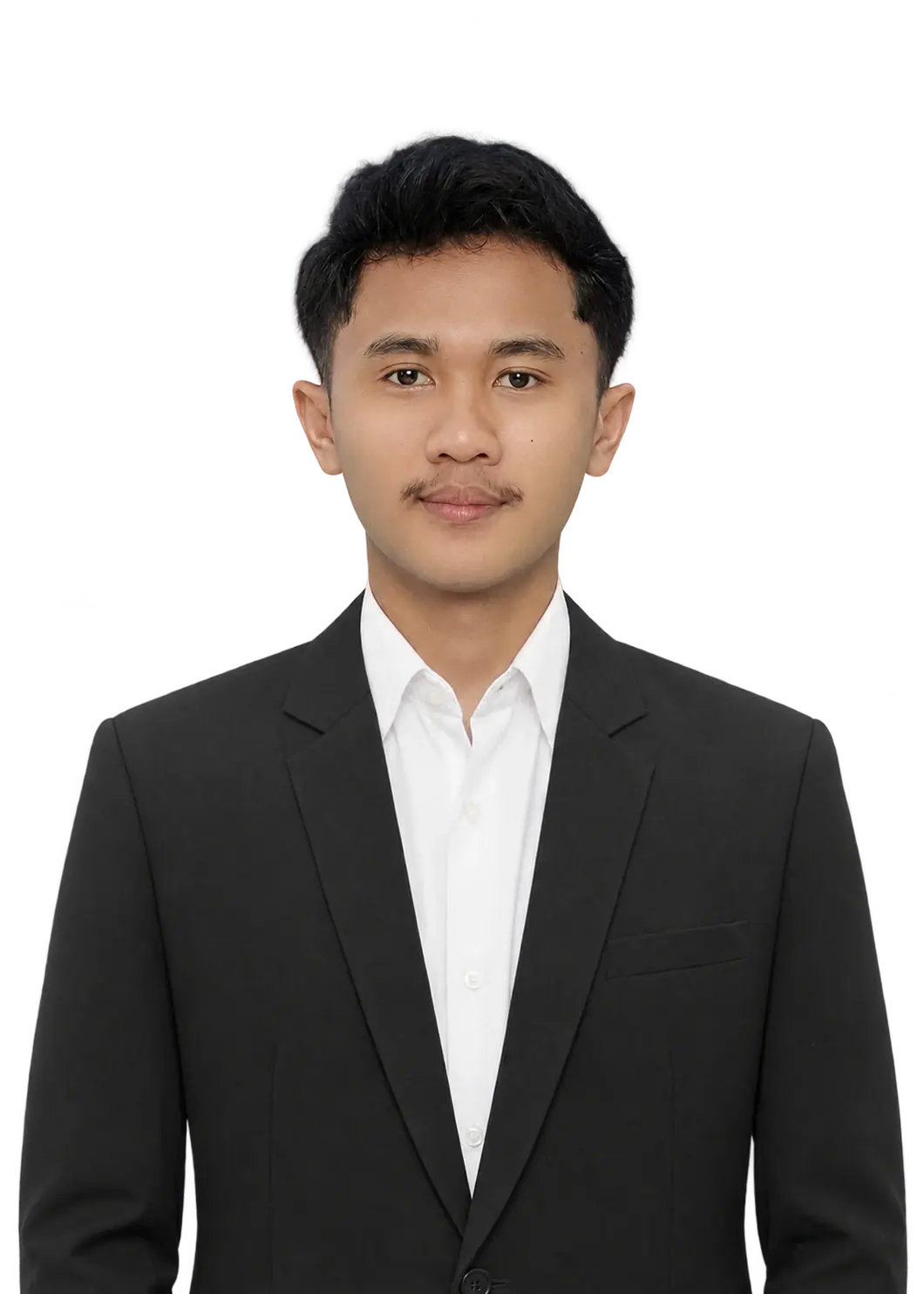
ABD. SALEH
Tebet, South Jakarta, Jakarta
Software Engineer with 3+ years of experience in web development, specializing in designing and building responsive, dynamic web applications. Focused on delivering innovative, efficient, and user-centric solutions. Passionate about learning new technologies, collaborative, adaptable, and capable of tackling web development challenges with creativity. Ready to contribute to digital products that positively impact the company and its users.
Work Experience
PT NTX Solusi Teknologi - South Jakarta, JakartaJun 2024 - Present
Frontend Engineer - Permanent Employee
- Participated in R&D team, prototyped new product ideas and evaluated tools and frameworks before project adoption.
- Converted validated R&D prototypes into production-ready features, managing frontend architecture, implementation, and release.
- Built and maintained company collaborative web platform for forms, links, and tickets, as well as corporate site and admin dashboard managing company profile content.
- Delivered projects for external clients, translating business requirements into responsive, user-friendly interfaces.
- Structured codebase using Feature-Sliced Design and reusable components to keep product consistent and scalable.
- Integrated REST APIs with backend team, handling status, validation, and error flows for reliable data-driven features.
- Configured CI/CD pipeline with Docker and Jenkins for automated deployments, maintaining fast and reliable release cycles.
- Optimized cross-browser performance and compatibility, conducting thorough functional testing before each release.
- Collaborated daily with backend engineers, DevOps, UI/UX designers, tech lead, and project manager from planning through delivery.
Dicoding Indonesia - Bandung, IndonesiaFeb 2024 - Jun 2026
Mentor - Contract, Remote
- Mentored 200+ participants across MSIB, Dicoding Bootcamp, and DBS Foundation programs, providing weekly technical guidance.
- Organized study groups to address learning challenges, increasing participant engagement and retention rates.
- Assisted instructors in delivering weekly Instructor-Led Training sessions, maintaining high-quality educational standards.
- Improved graduation rate for Independent Study Program Batch 6 to 91% through targeted support and curriculum adjustments.
- Achieved 4.90/5.00 participant and 4.85/5.00 instructor satisfaction scores for ILT sessions in Batch 6.
PT Summit Global Teknologi - Tangerang City, BantenSep 2024 - May 2025
Frontend Engineer - Full-time
- Developed and maintained the global Infinix product frontend using Vue and React, ensuring cross-browser compatibility.
- Collaborated with cross-functional teams to deliver features aligned with global product requirements.
- Optimized website performance, improving page load speed by 80% and enhancing user experience metrics.
Rumah Sakit Umum Universitas Muhammadiyah Malang - Malang, East JavaJun 2024 - Aug 2024
Web Developer - Part-time (On-site)
- Developed the SATU SEHAT web application using PHP and REST API to manage patient admissions, discharges, and medical records.
- Ensured data integrity and security compliance for sensitive medical information through robust backend architecture.
Universitas Muhammadiyah Malang - Malang, East JavaSep 2023 - Jun 2024
Teaching Assistant & Web Developer - Academic & Development
- Built websites with HTML, CSS, Tailwind CSS, JavaScript, and Laravel framework per client requirements.
- Assisted lecturers in grading assignments, midterms, and finals for several classes over three semesters.
- Supported lecturers in research activities, contributing to article publications in leading national journals (Sinta 1).
- Participated in designing information-system-based study program curriculum.
- Assisted lecturers in preparing academic promotion dossiers.
Comments
Join the conversation
Sign in with GitHub to leave a comment on Astro and Zero JavaScript: Why It Fits Landing Pages, Blogs, and Content Sites.