09:41:00

Pinia for Vue 3: Predictable State Management Without the Boilerplate

How Pinia replaces Vuex with typed, modular stores built on the Composition API, and the patterns that keep a growing Vue or Nuxt codebase easy to reason about.

Published
Reading time
8 min read
  • vue
  • pinia
  • state-management
On this page

Every Vue application reaches the same moment: a piece of state is needed by three components that share no common parent. Props start drilling through layers that do not care about them, events bubble back up, and the data flow becomes something you have to trace by hand.

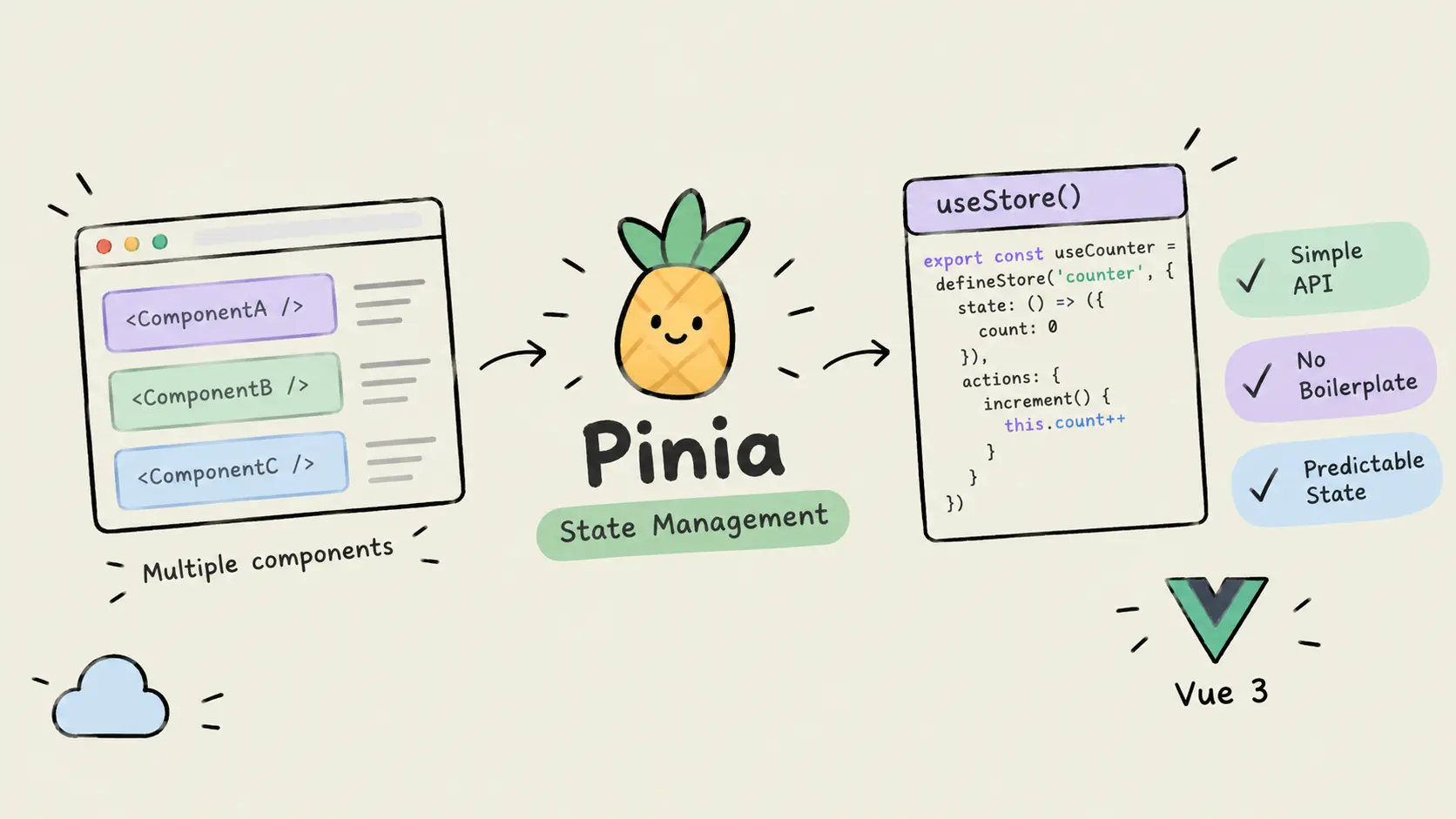
Pinia is the official answer to that moment. It is a small, type-safe store built directly on Vue's reactivity system, and it removes almost everything that made Vuex feel heavy: no mutations, no string-based namespaces, and no ceremony around typing.

In this guide we look at how Pinia stores are structured, which store style to pick, and the habits that keep them maintainable as a project grows.


What Pinia Actually Gives You

A Pinia store is just reactive state with a name. Components read from it and call functions on it, and Vue's reactivity does the rest.

  • No mutations. State changes happen in plain actions or by assigning directly, which removes a whole layer of indirection.
  • First-class TypeScript. Types are inferred from the store definition, so autocompletion works without manual generics.
  • Modular by default. Each store is its own file and is only included in the bundle when something imports it.
  • Devtools and SSR support. Time travel, state inspection, and server rendering work out of the box, including through the Nuxt module.

Two Ways to Define a Store

Pinia supports an options syntax that mirrors the Options API, and a setup syntax that mirrors the Composition API. Both produce the same kind of store.

The setup store

Setup stores are the better default for TypeScript projects because they are ordinary functions: ref becomes state, computed becomes a getter, and plain functions become actions.

typescript
import { computed, ref } from 'vue'
import { defineStore } from 'pinia'

export interface CartItem {
  id: string
  name: string
  price: number
  quantity: number
}

export const useCartStore = defineStore('cart', () => {
  const items = ref<CartItem[]>([])

  const totalItems = computed(() =>
    items.value.reduce((sum, item) => sum + item.quantity, 0),
  )

  const totalPrice = computed(() =>
    items.value.reduce((sum, item) => sum + item.price * item.quantity, 0),
  )

  function addItem(product: Omit<CartItem, 'quantity'>) {
    const existing = items.value.find((item) => item.id === product.id)

    if (existing) {
      existing.quantity += 1
      return
    }

    items.value.push({ ...product, quantity: 1 })
  }

  function removeItem(id: string) {
    items.value = items.value.filter((item) => item.id !== id)
  }

  function clear() {
    items.value = []
  }

  return { items, totalItems, totalPrice, addItem, removeItem, clear }
})

The options store

The options syntax is more compact for simple state and reads well for teams coming from Vuex:

typescript
import { defineStore } from 'pinia'

export const useThemeStore = defineStore('theme', {
  state: () => ({ mode: 'light' as 'light' | 'dark' }),
  getters: {
    isDark: (state) => state.mode === 'dark',
  },
  actions: {
    toggle() {
      this.mode = this.mode === 'dark' ? 'light' : 'dark'
    },
  },
})

One practical difference: the built-in $reset() only works on options stores. With a setup store you write your own reset, which is usually a single function.


Using a Store Inside Components

The most common mistake with Pinia is destructuring state directly. Doing so copies the value and breaks reactivity. Use storeToRefs for state and getters, and call actions straight from the store.

vue
<script setup lang="ts">
import { storeToRefs } from 'pinia'
import { useCartStore } from '@/stores/cart'

const cart = useCartStore()

// State and getters stay reactive through storeToRefs
const { items, totalPrice } = storeToRefs(cart)

// Actions are plain functions and can be destructured safely
const { removeItem, clear } = cart
</script>

<template>
  <ul>
    <li v-for="item in items" :key="item.id">
      {{ item.name }} × {{ item.quantity }}
      <button @click="removeItem(item.id)">Remove</button>
    </li>
  </ul>
  <p>Total: {{ totalPrice }}</p>
  <button @click="clear">Empty cart</button>
</template>

Patterns That Keep Stores Healthy

Keep stores small and focused

A store named useAppStore that holds everything is Vuex in disguise. Split by domain instead: useAuthStore, useCartStore, useNotificationStore. Each one stays easy to read and easy to test.

Compose stores instead of merging them

Stores can use each other inside actions and getters, which keeps cross-domain logic explicit:

typescript
export const useCheckoutStore = defineStore('checkout', () => {
  const cart = useCartStore()
  const auth = useAuthStore()

  async function submitOrder() {
    if (!auth.isAuthenticated) {
      throw new Error('Please sign in before checking out')
    }

    await api.post('/orders', { items: cart.items })
    cart.clear()
  }

  return { submitOrder }
})

Avoid two stores that import each other at the top level. If you find that happening, the boundary between them is probably wrong.

Do not put server data in Pinia by default

Pinia is a great home for client state: UI flags, drafts, the current user session. Data that is fetched from an API and needs caching, refetching, and invalidation is a different problem. A dedicated data-fetching layer handles that better than hand-written loading flags in a store, and it leaves Pinia small.

Persist only what must survive a refresh

Persistence plugins are convenient, but persisting everything turns the browser into a second source of truth. Persist authentication hints and user preferences, and leave transient state alone.


Testing Stores

Stores are plain logic, so they are easy to test without mounting a component. Create a fresh Pinia instance per test and call the store directly:

typescript
import { beforeEach, describe, expect, it } from 'vitest'
import { createPinia, setActivePinia } from 'pinia'
import { useCartStore } from '@/stores/cart'

describe('cart store', () => {
  beforeEach(() => {
    setActivePinia(createPinia())
  })

  it('increments quantity for an existing product', () => {
    const cart = useCartStore()

    cart.addItem({ id: 'a1', name: 'Keyboard', price: 120 })
    cart.addItem({ id: 'a1', name: 'Keyboard', price: 120 })

    expect(cart.totalItems).toBe(2)
    expect(cart.totalPrice).toBe(240)
  })
})

For component tests, @pinia/testing provides createTestingPinia, which stubs actions by default so you can assert that a click called the right action without running its logic.


Pinia in Nuxt

With Nuxt, the @pinia/nuxt module registers Pinia and handles server rendering for you. Stores defined in the stores/ directory can be auto-imported, and state created on the server is serialized into the page and rehydrated on the client.

The one rule to remember is to create state inside the store, never at module scope. Module-level state is shared between requests on the server, which leaks data from one user to another.


A Short Checklist

  1. Prefer setup stores in TypeScript projects.
  2. Use storeToRefs when destructuring state and getters.
  3. Organize stores by domain, and compose them inside actions.
  4. Keep server-fetched data out of Pinia unless you truly need to own it.
  5. Persist only what must survive a refresh.
  6. Test stores directly with a fresh Pinia instance per test.

Pinia succeeds by staying out of the way. A store is a function that returns state and the functions that change it, which is exactly what most Vue applications need.

  • #vue
  • #pinia
  • #state-management
  • #typescript

Share

Comments

Join the conversation

Sign in with GitHub to leave a comment on Pinia for Vue 3: Predictable State Management Without the Boilerplate.

Pip · Personal AI assistant

What would you like to know?

I'm Pip. I know Saleh's experience, projects, writing, and how to work with him.

Answers are AI-generated and can be wrong.

Attachments

100%