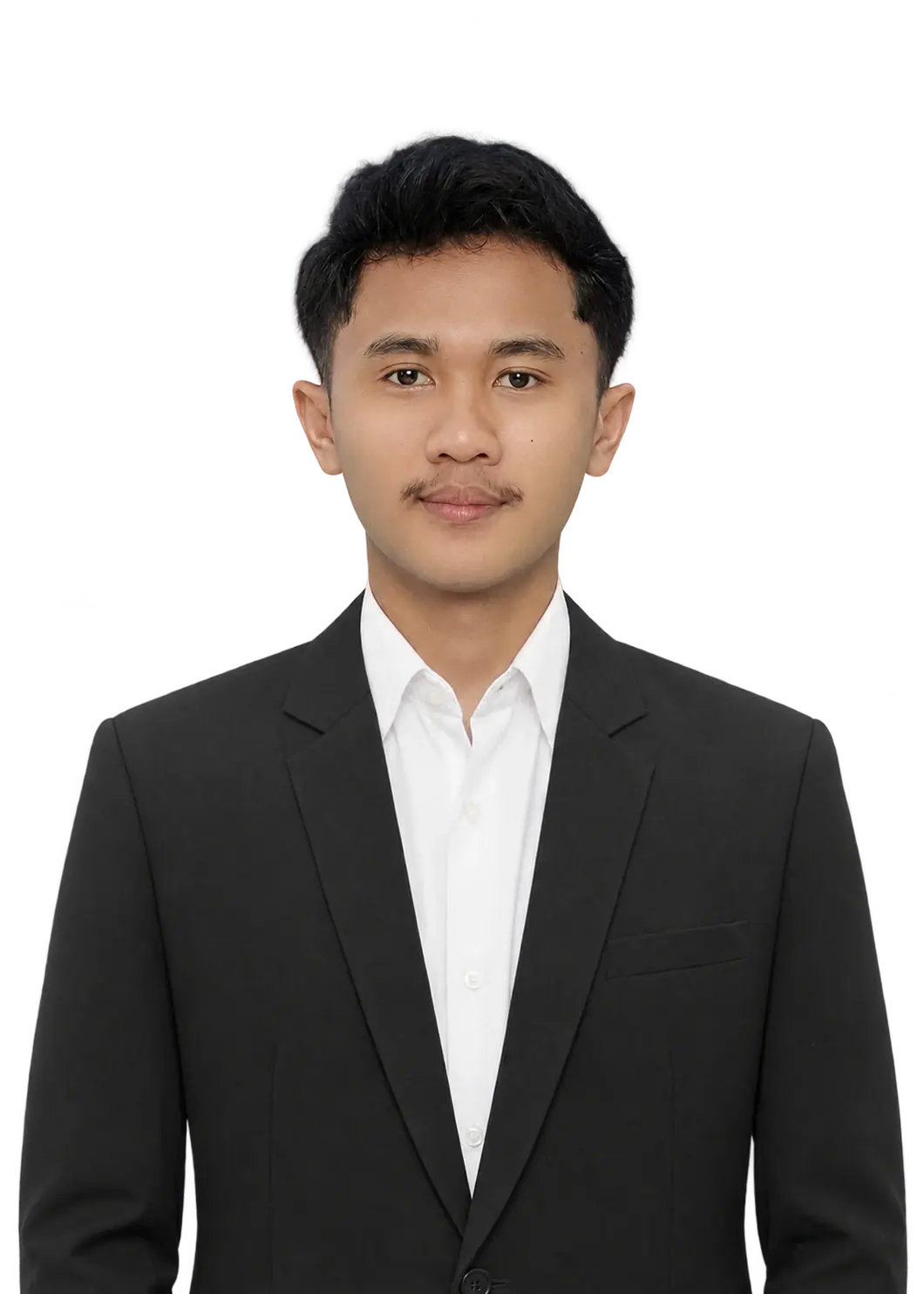
ABD. SALEH
Tebet, Jakarta Selatan, Jakarta
Software Engineer dengan pengalaman lebih dari 3 tahun di bidang pengembangan web, berkeahlian merancang dan membangun aplikasi web yang responsif dan dinamis. Berfokus menghadirkan solusi yang inovatif, efisien, dan berpusat pada pengguna. Antusias mempelajari teknologi baru, kolaboratif, mudah beradaptasi, dan mampu menjawab tantangan pengembangan web secara kreatif. Siap berkontribusi pada produk digital yang berdampak positif bagi perusahaan dan penggunanya.
Pengalaman Kerja
PT NTX Solusi Teknologi - Jakarta Selatan, JakartaJun 2024 - Sekarang
Frontend Engineer - Karyawan Tetap
- Terlibat di tim R&D: membuat prototipe ide produk baru serta mengevaluasi tools dan framework sebelum diadopsi proyek.
- Mengubah prototipe R&D yang tervalidasi menjadi fitur siap produksi, mengelola arsitektur, implementasi, dan rilis frontend.
- Membangun dan merawat platform web kolaboratif perusahaan untuk formulir, tautan, dan tiket, serta situs perusahaan dan dashboard admin pengelola konten profil perusahaan.
- Mengerjakan proyek untuk klien eksternal, menerjemahkan kebutuhan bisnis menjadi antarmuka yang responsif dan mudah digunakan.
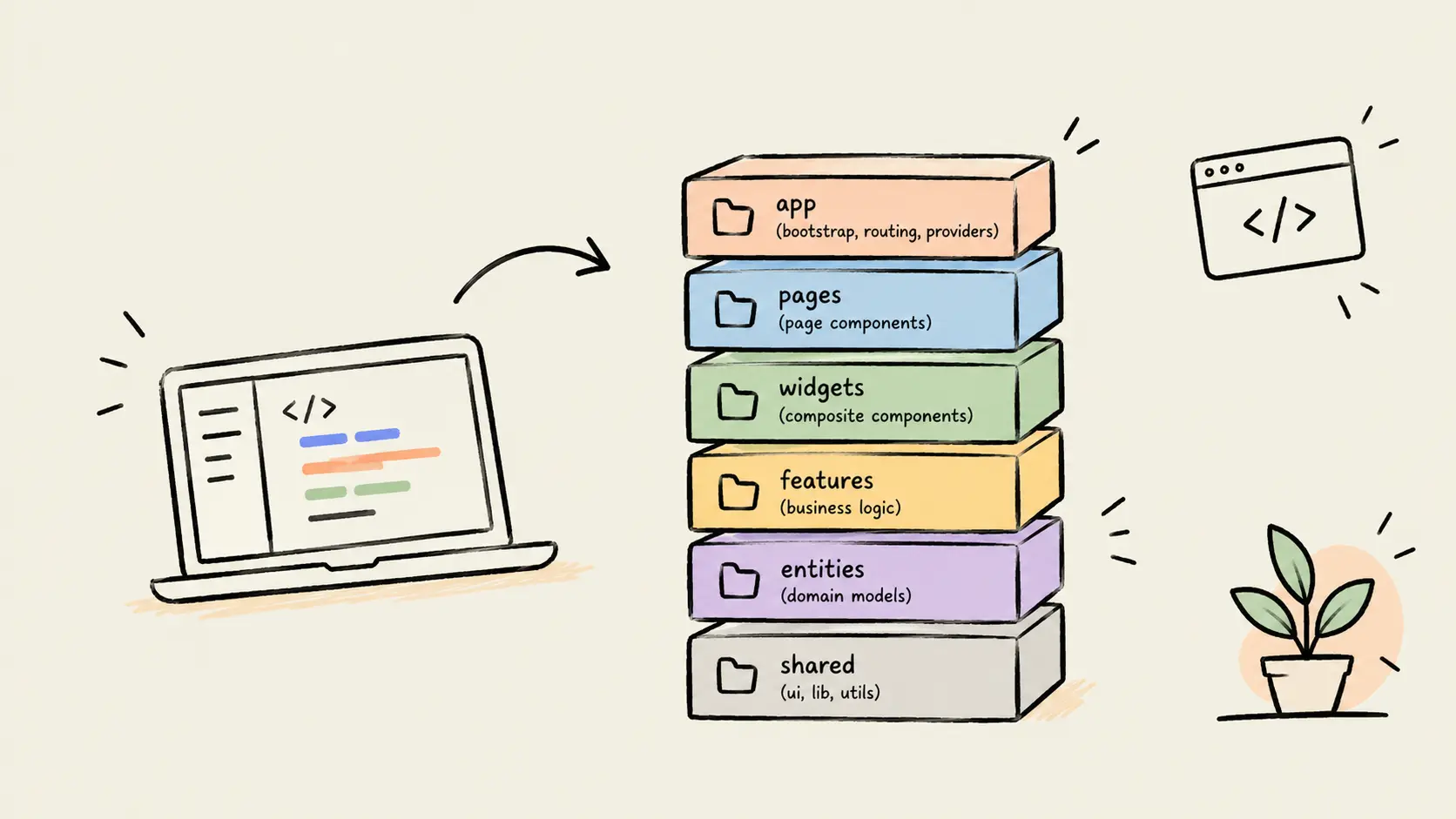
- Menyusun codebase dengan Feature-Sliced Design dan komponen reusable agar produk tetap konsisten dan skalabel.
- Mengintegrasikan REST API bersama tim backend, menangani status, validasi, dan alur error untuk fitur berbasis data yang andal.
- Mengonfigurasi pipeline CI/CD dengan Docker dan Jenkins untuk deployment otomatis, menjaga siklus rilis tetap cepat dan andal.
- Mengoptimalkan performa dan kompatibilitas lintas browser, serta melakukan pengujian fungsional menyeluruh sebelum setiap rilis.
- Berkolaborasi setiap hari dengan backend engineer, DevOps, desainer UI/UX, tech lead, dan project manager dari perencanaan hingga delivery.
Dicoding Indonesia - Bandung, IndonesiaFeb 2024 - Jun 2026
Mentor - Kontrak, Remote
- Membimbing 200+ peserta di program MSIB, Dicoding Bootcamp, dan DBS Foundation melalui pendampingan teknis mingguan.
- Membentuk kelompok belajar untuk mengatasi kendala belajar, meningkatkan keterlibatan dan retensi peserta.
- Membantu instruktur menyampaikan sesi Instructor-Led Training mingguan dengan standar pendidikan yang tinggi.
- Meningkatkan tingkat kelulusan Program Studi Independen Batch 6 hingga 91% melalui pendampingan terarah dan penyesuaian kurikulum.
- Meraih skor kepuasan 4,90/5,00 dari peserta dan 4,85/5,00 dari instruktur untuk sesi ILT di Batch 6.
PT Summit Global Teknologi - Kota Tangerang, BantenSep 2024 - Mei 2025
Frontend Engineer - Penuh Waktu
- Mengembangkan dan merawat frontend produk global Infinix menggunakan Vue dan React, memastikan kompatibilitas lintas browser.
- Berkolaborasi dengan tim lintas fungsi untuk menghadirkan fitur yang selaras dengan kebutuhan produk global.
- Mengoptimalkan performa situs, mempercepat waktu muat halaman hingga 80% dan meningkatkan metrik pengalaman pengguna.
Rumah Sakit Umum Universitas Muhammadiyah Malang - Malang, Jawa TimurJun 2024 - Agu 2024
Web Developer - Paruh Waktu (On-site)
- Mengembangkan aplikasi web SATU SEHAT menggunakan PHP dan REST API untuk mengelola data pasien masuk, keluar, dan rekam medis.
- Menjaga integritas data dan kepatuhan keamanan untuk informasi medis yang sensitif melalui arsitektur backend yang andal.
Universitas Muhammadiyah Malang - Malang, Jawa TimurSep 2023 - Jun 2024
Asisten Pengajar & Web Developer - Akademik & Pengembangan
- Membangun situs dengan HTML, CSS, Tailwind CSS, JavaScript, dan framework Laravel sesuai kebutuhan klien.
- Membantu dosen menilai tugas, UTS, dan UAS di beberapa kelas selama tiga semester.
- Mendukung dosen dalam kegiatan riset dan berkontribusi pada publikasi artikel di jurnal nasional terkemuka (Sinta 1).
- Terlibat dalam penyusunan kurikulum program studi berbasis sistem informasi.
- Membantu dosen menyiapkan berkas kenaikan jabatan akademik.
Komentar
Ikut berdiskusi
Masuk dengan GitHub untuk berkomentar di Merancang Arsitektur Aplikasi Frontend yang Scalable dengan Feature-Sliced Design (FSD).